
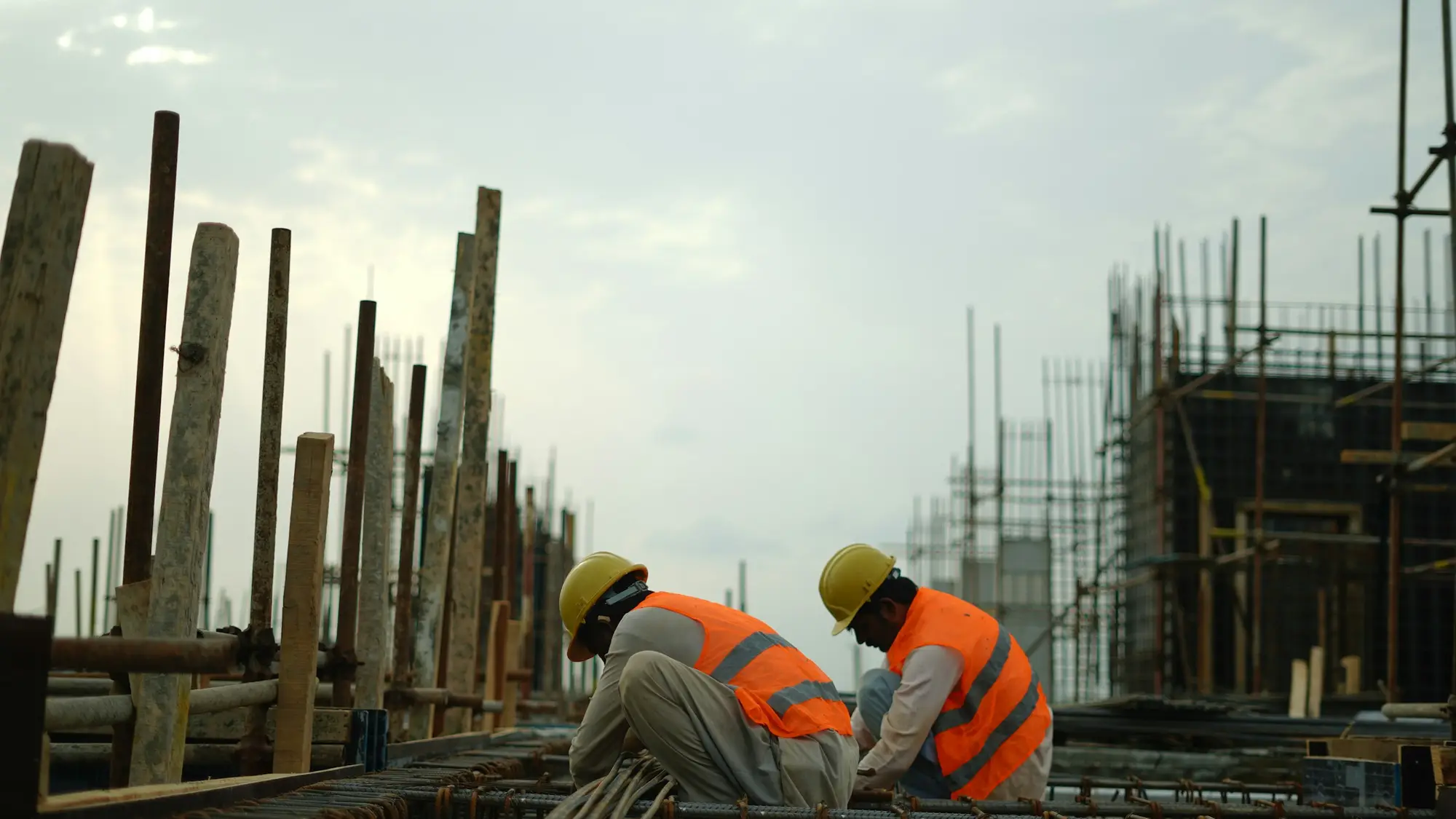
Vision agents for construction sites, with site managers in charge
We build agents that watch the cameras you already have on site, say in plain language what is happening and alert the manager who can act.
What the cameras watch for on site
Sites change week to week, so we start with the areas that matter most and agree the rules before building.
- 01
Hard hats and hi-vis
PPE checked in the areas where it is required, with an alert and a still frame for the supervisor on that part of the site.
- 02
Exclusion zones
People entering marked areas such as open excavations, lifting zones or edges, flagged while someone can still intervene.
- 03
Plant and people
Excavators, dumpers and delivery vehicles moving near workers, logged as near-misses with a short clip.
- 04
Out-of-hours entry
People or vehicles on site outside agreed hours, with a still frame for whoever is on call.
- 05
Gate and delivery logs
Vehicle arrivals at the site entrance logged with time and a still frame, to compare against booked deliveries.
- 06
Progress snapshots
Regular time-stamped views of agreed areas, so managers can look back at what was done and when.
A day on site, as an event log
A scripted example of events from a few cameras across one day: each alert, the person it goes to and the review step.
Step 1 of 7
- Vision agentGate: delivery before site opens
- Upcoming: Level 2: no hard hat
- Upcoming: Trench: person inside exclusion zone
- Upcoming: Supervisor responds
- Upcoming: Yard: excavator close to a pedestrian
- Upcoming: Compound: movement after hours
- Upcoming: Search the history
06:40
Gate: delivery before site opens
A vehicle arrives at the entrance before the agreed start. The site manager is told with a still frame.
- Camera
- Main gate
- Sent to
- Site manager
Rules your team sets and changes
You decide what the agent looks for, who is told and how quickly. Rules are written down before launch and updated as the site changes.
- Where each zone isPersonYour H&S lead marks exclusion and PPE zones on the camera view and moves them as work progresses.
- Working and non-working hoursPersonThe times that count as out of hours are yours, with exceptions for planned late work.
- Who is told, and whenPersonRouting by area and shift, with an on-call route for out-of-hours alerts.
- Distance for plant near workersPersonSet per machine type, so the limit for a dumper can differ from the limit for a crane.
- What a person must reviewPersonAnything affecting a worker is reviewed by a named person before any follow-up.
Privacy and people on a building site
Sites include employees, subcontractors, visitors and sometimes passers-by. These points are agreed before a camera goes live.
- Cameras aimed at the siteWe recommend views that cover the work area and entrance, masking neighbouring property and public footpaths where possible.
- Subcontractors and visitorsSignage at the entrance and induction briefings tell everyone cameras are in use and why.
- Video stays with youProcessing runs on site equipment or in your private cloud, so raw video is not sent to applyd.ai.
- Blurring, retention and assessmentBlurring and retention limits are set per camera, and we help with a data protection impact assessment and consultation.
Vision AI in practice
A short video showing how vision AI is used on a real site.
This is a third-party industry example from the company credited under the video. It is not an applyd.ai deployment or customer.
Source: e-con Systems
AI cameras for workplace safety
Common questions about this work
Other industries we cover
Keep reading related pages
- Video AI and vision agentsVision agents that watch camera feeds and alert the right person.
- AI agent developmentAgents that use tools, with people approving risky actions.
- LLM integration and RAGAnswers grounded in your own documents and systems.
- AI consultingPick the use case and the simplest design before building.
- Security overviewTenant isolation, access, audit and how agents are kept in bounds.