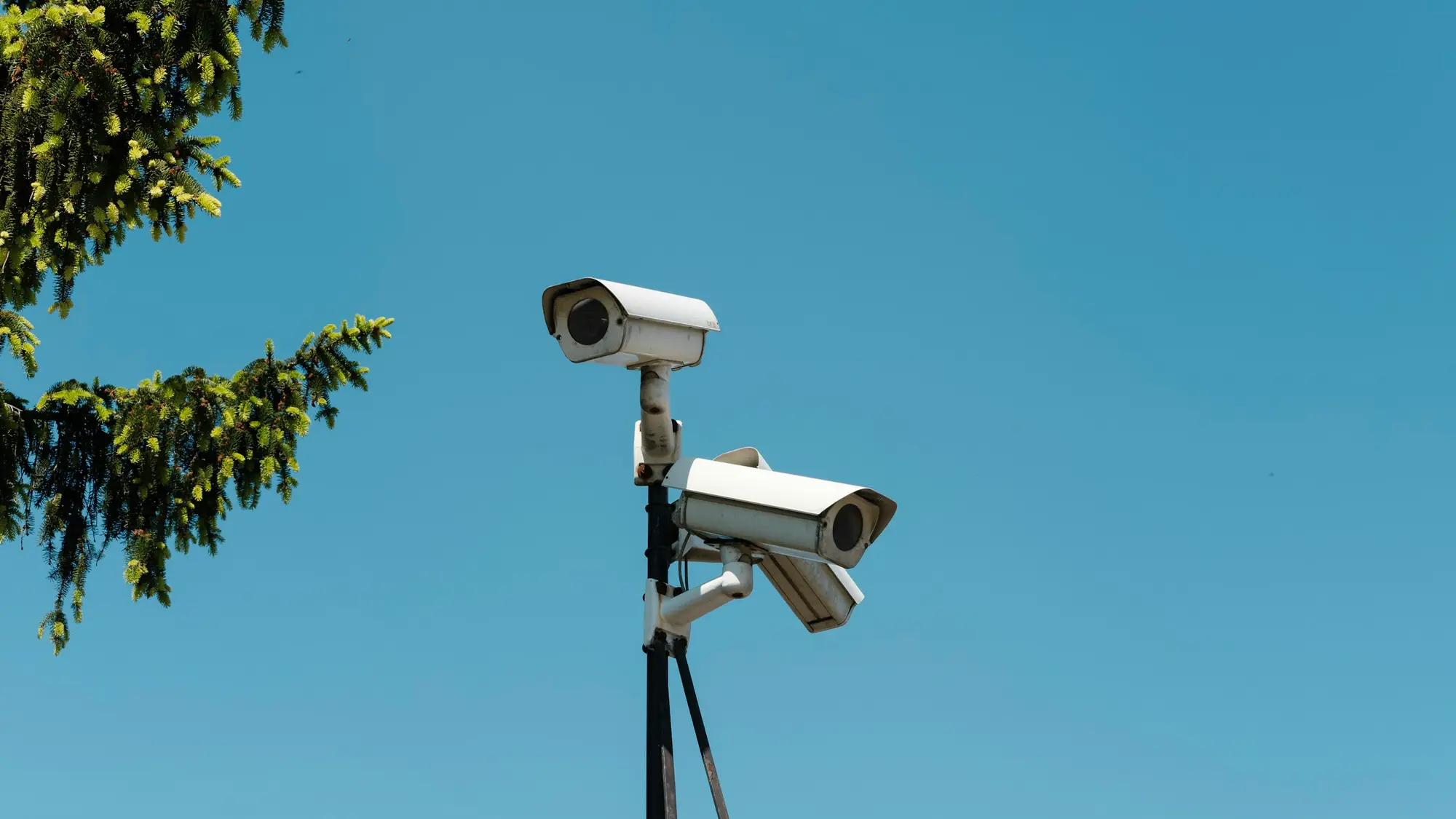
Vision agents for site security, with your security team in charge
We build agents that watch the CCTV you already have, say in plain language what is happening and alert the person who decides the response.
What the cameras watch for on site
Security cameras produce far more footage than anyone can watch. We agree which events matter before building.
- 01
Perimeter and fence lines
People or vehicles crossing a line or entering a restricted area, with a still frame sent to your control room or on-call contact.
- 02
After-hours entry
Movement at doors, gates and yards outside agreed hours, so the right person looks at it while it is happening.
- 03
Loitering and tailgating
People remaining in an agreed area for longer than expected, or following someone through a controlled door.
- 04
Doors and gates left open
Doors held open or gates left unlocked longer than the agreed time, flagged to the site contact.
- 05
Vehicles in the wrong place
Vehicles stopped in fire lanes, loading zones or restricted areas for longer than agreed.
- 06
Searchable incident history
Ask for everything at the rear gate between 22:00 and 05:00 last week and get the clips with a short summary.
A night on site, as an event log
A scripted example of events from a few cameras overnight: each alert, the person it goes to and the review step.
- Vision agentRear gate: vehicle after hours
- Upcoming: Operator reviews the frame
- Upcoming: Fence line B: person crossing
- Upcoming: On-call contact decides
- Upcoming: Loading yard: loitering
- Upcoming: Side door: held open
- Upcoming: Search the history
21:45
Rear gate: vehicle after hours
A vehicle stops at the rear gate outside agreed hours. The alert goes to the control room with a still frame.
- Camera
- Rear gate
- Sent to
- Control room
Rules your team sets and changes
You decide what the agent looks for, who is told and what response follows. Rules are written down before launch.
- Areas and hours that countPersonYour security lead marks the restricted areas and the allowed hours, with exceptions for planned work.
- Who is told, and whenPersonRouting by area and time of day, with an escalation route if nobody responds.
- Response stays with peoplePersonThe agent never calls the police, sounds an alarm or confronts anyone. A person decides each response.
- No identification by defaultPersonRules detect presence and movement, not identity. Anything more needs a lawful basis agreed first.
- What is kept as evidencePersonYour team decides which clips are retained after an incident, and for how long.
Privacy and people for security cameras
Security cameras record staff, visitors and sometimes the public. These points are agreed before a camera goes live.
- Signage that faces the publicClear signs at entrances and along the perimeter say that cameras are in use, why, and who to contact.
- No facial recognition by defaultWe do not add facial recognition. Live facial recognition is high risk under UK GDPR and would need a lawful basis and assessment first.
- Public space and neighboursCamera views are masked so they do not cover neighbouring property or public footpaths more than necessary.
- Blurring, retention and assessmentBlurring and retention limits are set per camera, and we help with a data protection impact assessment.
Common questions about this work
Keep reading related pages
- Video AI and vision agentsVision agents that watch camera feeds and alert the right person.
- AI agent developmentAgents that use tools, with people approving risky actions.
- LLM integration and RAGAnswers grounded in your own documents and systems.
- AI consultingPick the use case and the simplest design before building.
- Security overviewTenant isolation, access, audit and how agents are kept in bounds.