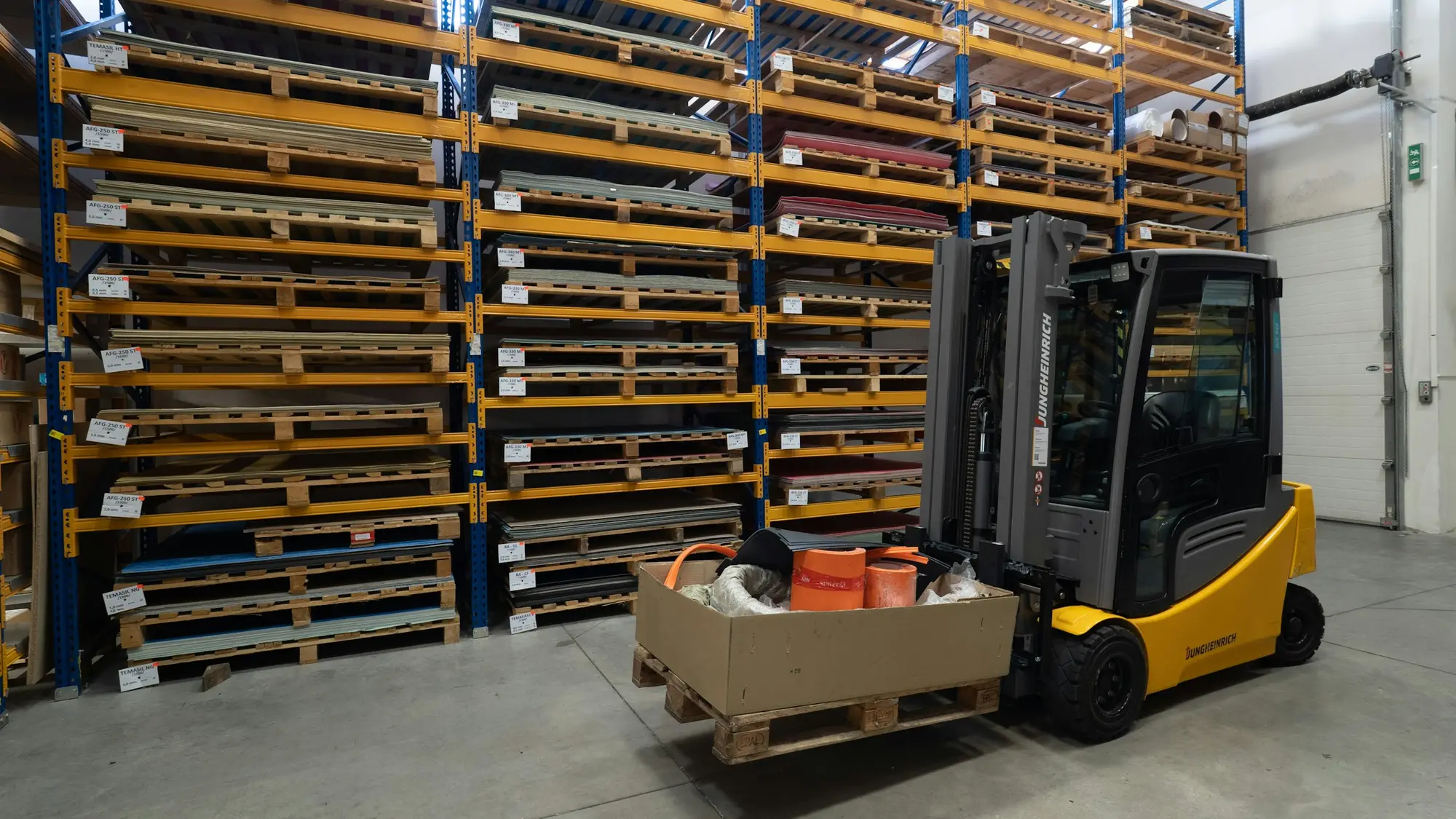
Vision agents for warehouses and yards, with your supervisors in charge
We build agents that watch the cameras already covering your aisles, docks and yard, explain what is happening and alert the supervisor who can act.
What the cameras watch for on site
Most projects begin with the busiest aisle and one or two docks. We agree what counts as an event before building.
- 01
Forklift and pedestrian routes
People and trucks inside an agreed distance of each other, or pedestrians walking in vehicle-only lanes, logged as near-misses with a short clip.
- 02
Blocked exits and aisles
Fire exits, emergency equipment and aisles obstructed by pallets or stock, flagged while someone can still clear them.
- 03
Dock door activity
Doors left open, trailers waiting and loading that has stalled, so the dock team sees problems as they start.
- 04
Pallet and vehicle counts
Counts at doors and gates logged for the shift, kept as totals for reconciling against your warehouse system.
- 05
Yard and gate movements
Vehicles arriving or leaving outside agreed times, with a still frame for whoever manages the gate.
- 06
Stacking and wrapping checks
Pallets stacked above the agreed height or sent out unwrapped, with the clip kept for any later query.
A day at the depot, as an event log
A scripted example of events from a few cameras across one day: each alert, the person it goes to and the review step.
- Vision agentGate 1: vehicle before opening time
- Upcoming: Aisle 7: pedestrian in vehicle lane
- Upcoming: Dock 4: door open, no trailer
- Upcoming: Dock lead replies
- Upcoming: Bay C: fire exit blocked
- Upcoming: Supervisor marks it reviewed
- Upcoming: Search the history
05:50
Gate 1: vehicle before opening time
A vehicle enters the yard before the agreed opening time. The gate team is told with a still frame.
- Camera
- Gate 1
- Sent to
- Gate supervisor
Rules your team sets and changes
You decide what the agent looks for, who is told and how quickly. Rules are written down before launch.
- Minimum distance and vehicle lanesPersonYour safety lead sets the distances and marks which lanes are vehicle-only.
- How long a door may stay openPersonSet per dock, so a door open for loading is not treated like one left open.
- Who is told, and whenPersonRouting by area, shift and issue, with a quieter route for out-of-hours alerts.
- Opening hours for gates and yardsPersonThe allowed times are yours, including exceptions for early deliveries.
- What a person must reviewPersonAnything that could affect a worker or a driver is reviewed by a named person before any follow-up.
Privacy and people in the warehouse and yard
Drivers, agency staff and visitors are on camera as well as employees. These points are agreed before a camera goes live.
- Counts rather than identitiesPallet, vehicle and people counts are kept as totals. Rules rarely need to know who someone is.
- Video stays with youProcessing runs on your site or in your private cloud, so raw video is not sent to applyd.ai.
- Visitors and driversSignage at gates and docks tells visitors and drivers that cameras are in use and why.
- Blurring, retention and assessmentBlurring and retention limits are set per camera, and we help with a data protection impact assessment and worker consultation.
Common questions about this work
Keep reading related pages
- Video AI and vision agentsVision agents that watch camera feeds and alert the right person.
- AI agents for freight quote requests and shipment statusFreight quote requests and shipment status
- AI agent developmentAgents that use tools, with people approving risky actions.
- AI consultingPick the use case and the simplest design before building.
- Security overviewTenant isolation, access, audit and how agents are kept in bounds.